Zyntria® Water Adventure
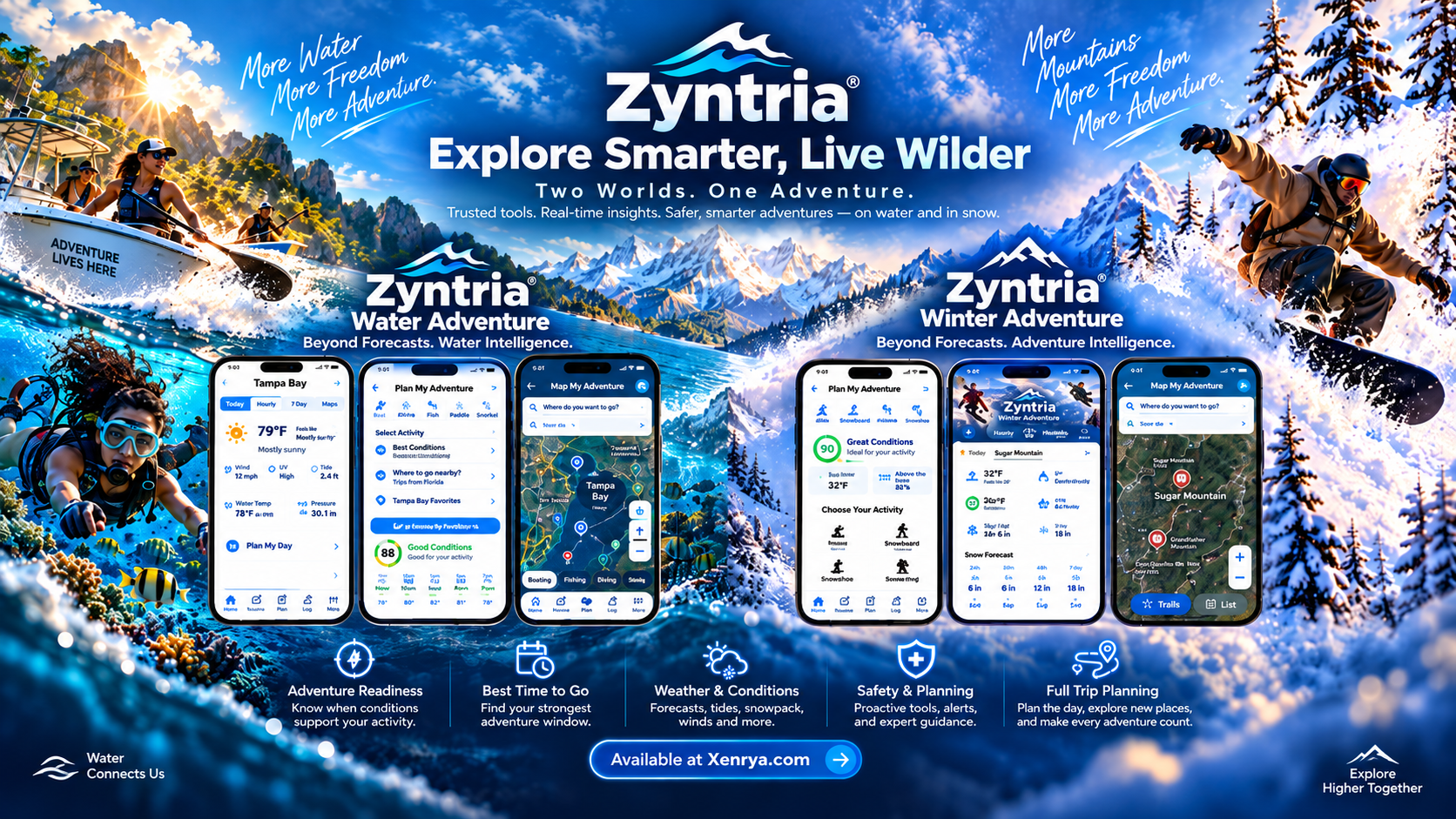
Help with readiness, weather and water intelligence, marine maps,
route planning, alerts, saved trips, sharing, and marine safety tools.
Water Adventure Support
Zyntria® Winter Adventure
Help with readiness, weather and snow intelligence, terrain context,
maps, route planning, Night Sky tools, alerts, and Safety & Rescue.
Winter Adventure Support
Installation and app updates
Zyntria products are distributed through the Apple App Store.
If an app will not install or update:
- Confirm the iPhone is signed in to the intended Apple Account.
- Check Wi-Fi or cellular connectivity and available device storage.
- Restart the iPhone, then retry the download or update from the App Store.
- Install the latest compatible version of iOS for your device.
Zyntria® Water Adventure
Water Adventure organizes weather, water, marine, route, and safety
information around the decision you are trying to make: whether conditions
support your activity now, later, or during a better planning window.
- Activity Readiness: confirm your selected activity, location, and planning time. Readiness can change as forecast, water, hazard, or route inputs change.
- Weather & Water Intelligence: confirm internet access, refresh the report, and review source or confidence information shown in the app when data appears limited.
- GPS and location: confirm Location Services are enabled for the app. Moving outdoors can improve GPS accuracy.
- Marine Map: NOAA chart imagery and some map layers require connectivity unless the relevant area or data was previously saved for offline use.
- Route planning: if a route cannot be created, verify the destination, selected route mode, connectivity, and available route data. Route guidance is planning support, not a guarantee of safe passage.
- Best Window / Time Shift: these features depend on the available forecast horizon and environmental inputs for the selected activity and location.
- Alerts and saved trips: confirm notification permissions are enabled if you expect device notifications.
- Sharing: confirm network access and the iPhone sharing service you are using is available.
- Marine Safety & VHF: the app provides reference, planning, and preparation support. It does not replace approved equipment, official warnings, or required emergency communications.
Safety:
Zyntria® Water Adventure is a planning and
situational-awareness aid. It is not a certified marine navigation system.
Official warnings, appropriate charts, approved safety equipment, aids to
navigation, local regulations, training, experience, and judgment should
always take priority.
Zyntria® Winter Adventure
Winter Adventure uses weather, snow, terrain, route, hazard, and daylight
information to support planning for winter and cold-weather activities,
while also remaining useful for related outdoor planning year-round.
- Activity Readiness: confirm the selected activity, location, and planning window. Readiness can change as weather, snow, terrain, daylight, or hazard inputs change.
- Weather & Snow Intelligence: confirm connectivity, refresh the report, and review data-confidence or source information when available conditions are incomplete.
- Snow and terrain context: some locations have more complete snow, elevation, slope, or terrain data than others. Missing inputs can reduce confidence or limit a recommendation.
- Adventure Map: confirm Location Services are enabled and verify connectivity for map layers or destination search that require online data.
- Route planning: route and trail availability depends on the selected area and available mapping data. Always verify actual trail, road, access, closure, and local conditions.
- Best Window / Time Shift: these features depend on the forecast horizon and the available weather, snow, hazard, terrain, and daylight inputs for the selected activity.
- Night Sky: darkness, moonlight, lunar phase, cloud cover, and local conditions can affect the quality of a suggested viewing window.
- Official hazards and avalanche information: always follow current official warnings, avalanche-center guidance, closures, resort or land-manager instructions, and local emergency information.
- Safety & Rescue: emergency-support features are designed to assist the user with information and handoff tools; they do not replace emergency services, rescue equipment, training, or judgment.
Safety:
Zyntria® Winter Adventure is a planning and
situational-awareness aid. Conditions in mountain and winter environments
can change rapidly. Official warnings, avalanche guidance, closures,
appropriate equipment, local knowledge, training, experience, and judgment
should always take priority.
If an app crashes or behaves unexpectedly
- Close the app from the app switcher and reopen it.
- Restart your iPhone.
- Install the latest version of the app from the App Store.
- Install any available compatible iOS update.
- Confirm required permissions such as Location or Notifications are enabled for the feature you are using.
- If the problem continues, note what you were doing immediately before the issue occurred.
Privacy and permissions
Some features use Apple system permissions only when required for that
feature. Water Adventure and Winter Adventure can use location information
for GPS, mapping, route, sharing, and other location-based functionality
when permission is granted.
Review the current
Xenrya Privacy Policy
for additional information.
Purchases, subscriptions, and billing
Apple handles App Store purchases, subscription billing, billing history,
refunds, payment information, and Apple Account changes. Xenrya does not
receive your Apple Account password or full payment-card details.
If a purchase or subscription completed successfully but an expected premium
feature is not available, reopen the app, confirm you are signed into the
correct Apple Account, and use any available restore or refresh purchase
option before contacting Xenrya support.